How to Make an Instagram Audio Ringtone on iPhone and Android
Download Reel audio as MP3, trim the best part, and set it as your ringtone on Android or iPhone.
Download and save Instagram Reel audio as MP3

Instagram audio
The Instagram audio downloader developed by ReeltoAudio.com is a simple yet powerful tool specially designed to convert Instagram video reels into high-quality MP3 audio.
It downloads audio at the highest bitrate while preserving the clarity of the original sound. You just need to paste the URL and enjoy your Instagram music instantly.
This downloader does not require any subscription and works on all devices, ensuring your privacy as well. The tool is 100% free and user-friendly.
Follow these 3 easy steps to download Instagram audio:
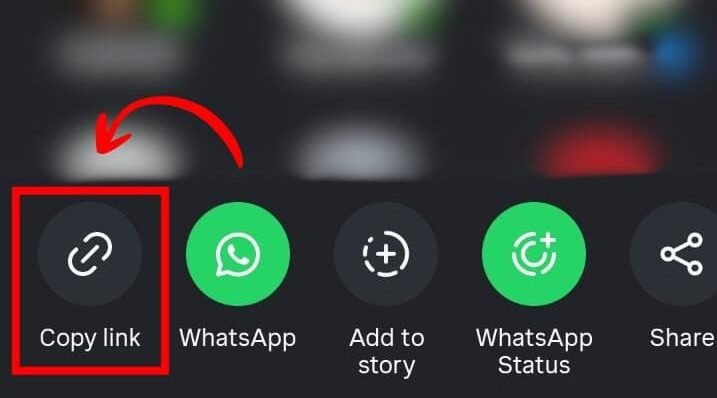
Open your Instagram app and find the reel, video, or story whose audio you want to download. Tap the share button and then simply copy its URL by clicking on "Copy Link."
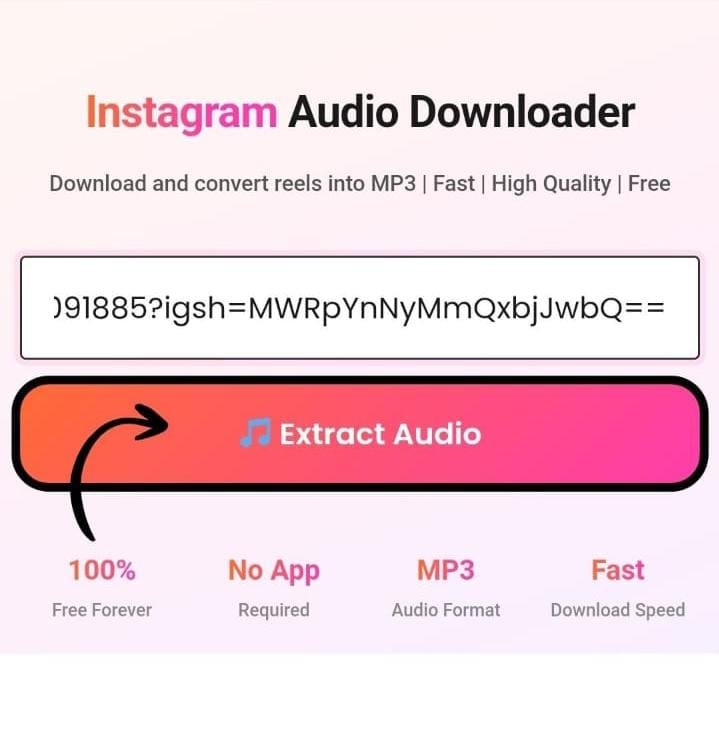
Once the link is copied, go to reeltoaudio.com. Paste the URL in our Instagram audio downloader box and click "Extract Audio."
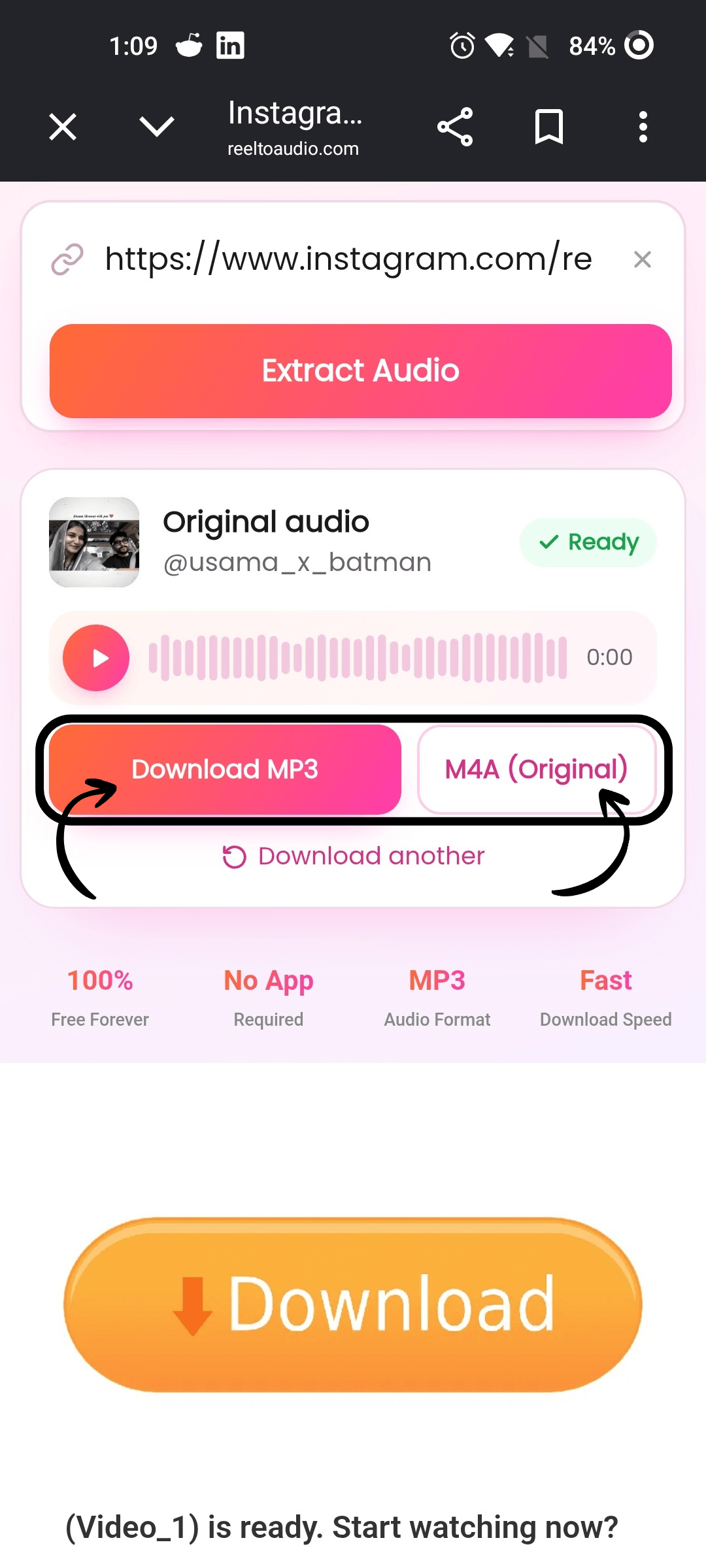
Once your audio is ready, choose your preferred format: MP3 or M4A Now, just click the download button, and your audio will be saved directly to your device.
Open your Instagram app and find the reel, video, or story whose audio you want to download. Tap the share button and then simply copy its URL by clicking on "Copy Link."
Once the link is copied, go to reeltoaudio.com. Paste the URL in our Instagram audio downloader box and click "Extract Audio."
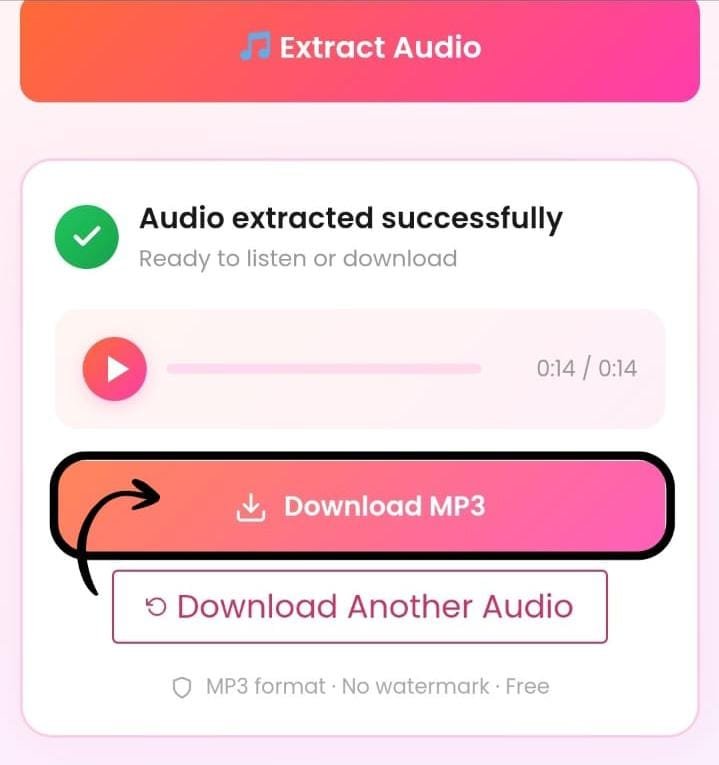
In just few seconds, your audio will be extracted. Now, just click the download button and your audio will be saved directly to your device.
ReelToAudio makes the process easier and straightforward. The tool easily extracts audio from Instagram Reels and provides useful audio details and flexible download options.
An automatic download feature is enabled in our Instagram Audio Downloader. With this feature, you can get your audio file with fewer manual steps. Just paste an Instagram Reel link and let the tool automatically process the audio for you
You can see the available details of your selected reel, such as the reel's thumbnail, audio title, and creator username. This feature is added to help you confirm that you have selected the right reel.
After the conversion process, you can choose between MP3 and M4A download options. ReeltoAudio provides both download options, so that user can choose the format according to their need.
The progress indicator in ReeltoAudio helps you estimate how much of the process is complete and when the file is ready to download. Track the download progress instead of guessing the remaining time.
As soon as you paste a link, the tool loads the audio in a player, where you can play the audio, and you can check that this is the same audio that you want. This saves you from downloading the wrong file, deleting it, and starting again. After that, you can download the audio as an MP3.
You can tap any part of the waveform, and when you tap a part of the waveform, the audio will start from that part, and in this way you can listen to any part of the audio.
Quickly isolate audio from any video or reel. Extract it in seconds, with no lag, and download it instantly.
Provides you with crystal-clear audio in high MP3 quality up to 320 kbps by preserving original audio bitrates.
Easily extract audio from Instagram reels, songs, podcasts, or motivational clips and convert it into MP3 by pasting the URL.
No personal details are required to use this tool. It is 100% user-friendly. No login, no registration, no App Installation required.
Works on Android phones, iPhones, Windows PCs, or tablets. Our MP3 audio extractor works seamlessly across all platforms.
Unlimited usage with no hidden charges and subscription included. 100% Free to use. Unlimited downloads. No credits required.
MP3 is an audio format that works almost everywhere, including music players, phones, computers, and WhatsApp. Basically, if you want an audio file that you can share and play without any problem, then MP3 is the simple choice.
M4A is also an audio format, useful for editing. Basically, if you want to cut the audio or trim the audio in an editing app, then M4A is best, and on the other hand, if you want to play the audio on WhatsApp, then MP3 is better than M4A.
Want the full details? Read our Instagram MP3 guide.
Whether you are using an Android phone, iPhone, Windows PC, or Mac, you can easily download audio from a public Instagram Reel directly through your browser. ReelToAudio works online, so there is no need to install an additional downloader app or desktop software.
Android users can easily download Instagram Reel audio directly from their mobile browser. Open your Instagram app and find the Reel you want to get audio from. Tap the Share button and select Copy Link. Open ReelToAudio in your Android browser. Paste the copied Instagram Reel URL into the downloader and start the download.
Open Instagram and find the Reel you want to download audio from. Tap Share, select Copy Link, then open ReelToAudio in Safari. Paste the Reel URL into the downloader and start the audio extraction. Once the MP3 is ready, download it and find the file in your Safari Downloads or Files app.
Open Instagram in Chrome, Firefox, Edge, Safari, or another supported browser and navigate to the Reel. Copy the Reel URL from the address bar or sharing options, then open ReelToAudio and paste the link into the downloader. Start the audio extraction and download the available MP3 file to your computer's chosen download folder.
An Instagram audio downloader follows this conversion process to download Video Reels to MP3 files:
Our Instagram audio downloader lets you extract clean audio from Instagram Reels and videos without adding any watermark to the downloaded file. Simply copy the Instagram video or Reel link, paste it into the downloader, and extract the audio in MP3 format.
You don't need to install an app or create an account. The downloaded audio can be used on your phone, tablet, or computer for personal use.
With our Instagram to MP3 converter, you can turn the audio from an Instagram Reel or video into an MP3 file within a few seconds. The tool extracts the audio separately from the video and provides a high-quality MP3 file that is easy to save and play on different devices.
Just paste the Instagram URL, click Extract Audio, and download your MP3 file without installing additional software.
Want to save a song or background music you found in an Instagram Reel? Our Instagram song download tool makes it simple to extract the audio from a Reel and save it as an MP3 file.
You can use it to listen offline or to keep track of interesting songs and sounds you discover on Instagram. Just copy the Reel link, paste it into the downloader, and download the available audio.
Copyright note: Make sure you have the necessary permission or rights before using downloaded music for commercial purposes or re-uploading it.
Whether you're making a playlist of your favorite songs or want to simply download a specific song or background music from an Instagram reel.
This Instagram audio downloader lets you download any type of your favorite audio, sound effects, and music from Instagram reels by just pasting the link, and you don't need to spend a single credit on it. It's completely free.
Instagram has become a digital hub for creators. Whether they are content creators, video editors, music producers, sound designers, or social media creators, everyone needs high-quality MP3 audio formats to use in their own videos with no copyright issues.
As we all know, Trending Audio and viral sounds have become a big part of content creation. So, creators simply save these audios separately to make their editing much easier.
They use these soundtracks for YouTube Shorts, TikTok videos, remixing, memes pages, and editing CapCut templates for getting more reach.
It is fully optimized to provide a seamless experience across multiple devices. Supports different formats to provide a simple, convenient method for every user.
Whether you are using a smartphone, tablet, laptop, or desktop computer, the tool works directly in your browser without requiring additional software setup.
Quickly convert supported video content into a high-quality MP3 file from any device.
Generally, downloading Instagram audio is totally safe, because we do not store your files and don't require any personal data.
We do not require you to log in with your Instagram credentials. The process is simple — you don't need to sign up for anything. Just paste the link, and our audio finder will automatically extract the audio for you.
Just respect creators' rights and avoid commercial use without permission.
Simple step-by-step guides to get more out of Instagram sounds, songs and Reels audio.
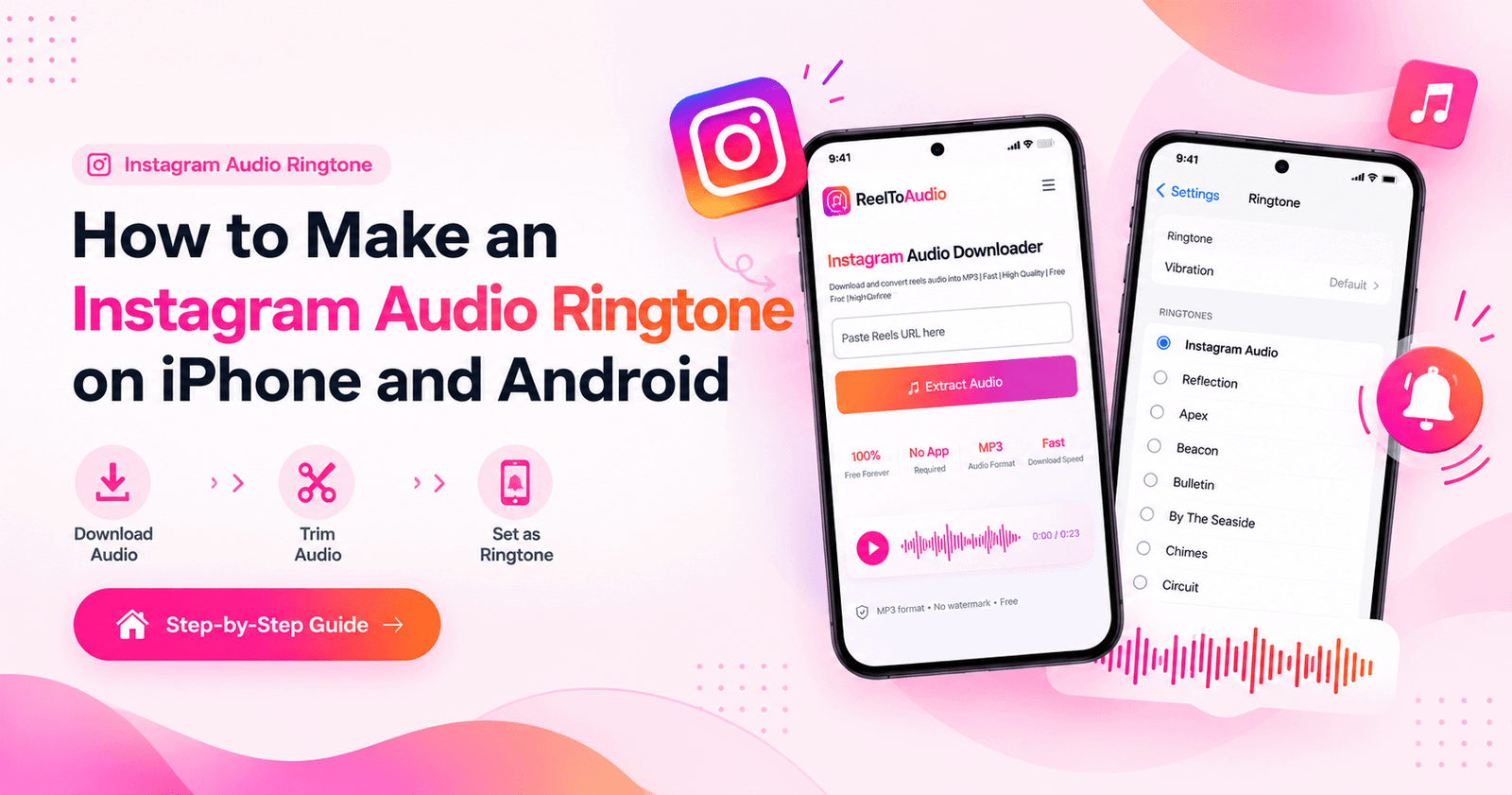
Download Reel audio as MP3, trim the best part, and set it as your ringtone on Android or iPhone.
Read guide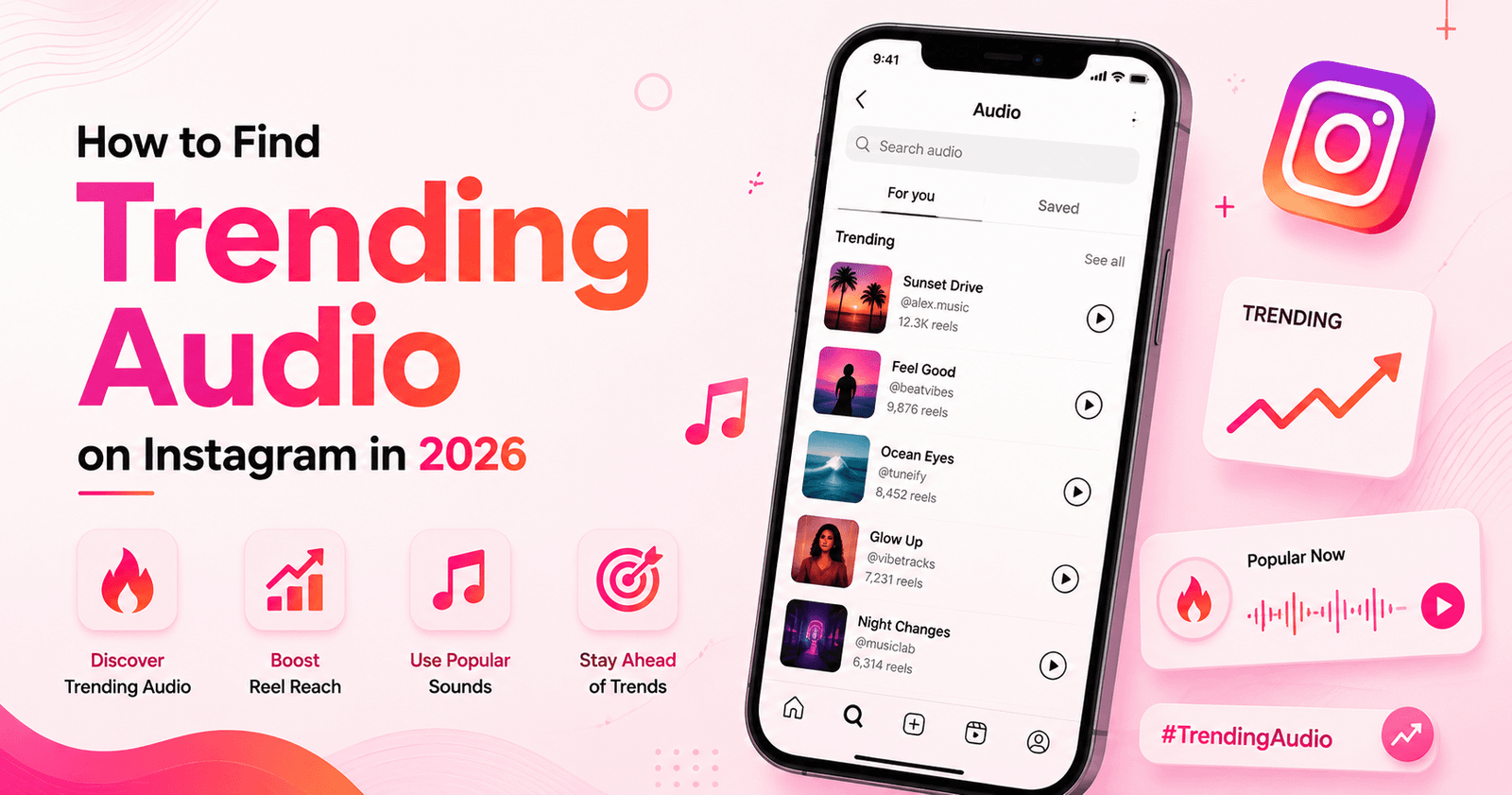
Discover rising sounds, check audio trends, save sounds and download Instagram audio as MP3.
Read guide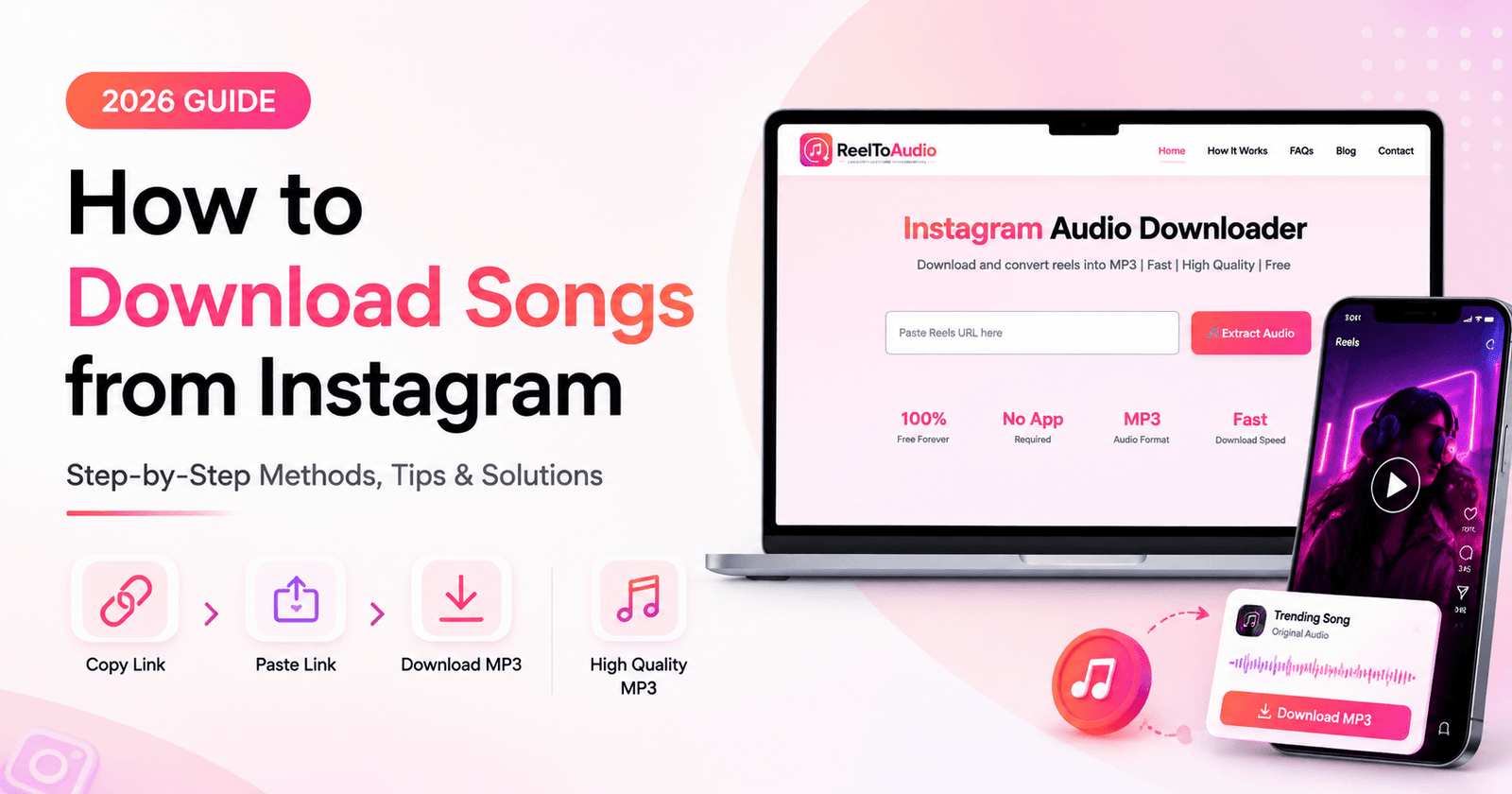
A complete step-by-step guide to download songs from Instagram Reels on any phone or PC.
Read guideYes, it's totally free. You can make unlimited downloads from this downloader.
You don’t need to wait for a long time; this Instagram audio downloader is designed for fast conversion, so the user doesn't have to wait for a long time.
It's too simple — just open Instagram, search for the song you want to download, copy the link of that reel, paste it into the MP3 extractor, and your song audio will be ready in seconds.
Yes, this tool is designed in a way that it will support every device and work effortlessly across all platforms.
Absolutely yes — just open your browser, go to reeltoaudio.com, paste the link into the top box, and we'll automatically extract the audio for you.
People don’t just download songs from Reels anymore. Creators now save trending sounds, original audio, voice clips and sound effects to use in their own videos. And you don’t need any app for it. Just paste the Reel link into ReelToAudio and download the MP3 on any device. To learn more, read our guide on the future of Reel audio download.
No, our tool will do this for you. You just paste the link, and we will give you an MP3 audio file.
Choose MP3 if you want the audio to play everywhere, including WhatsApp. Choose M4A (Original) if you want Instagram's original file for editing on a PC.
Yes. If the Reel uses a song from Instagram's music library, you'll see the song title, artist, and cover. For original sounds, you'll see "Original audio" with the creator's username.
Instagram's original audio comes in a format that some apps, like WhatsApp, can't play. Download the MP3 instead, and it will play on WhatsApp and on every phone.
You get the same sound that Instagram plays in the Reel. ReelToAudio doesn't re-record it or add anything to it, so nothing is lost on our side.
Loved by creators who download reel audio every day
"Fastest tool I've used, no signup, no app, just paste and download."
"Clean audio quality and works right in my phone browser, no app needed."
"Got a reel's audio in seconds, no login, totally free like promised."
"Super simple, saved audio from a friend's reel in under 10 seconds."
"No watermark, no ads, just clean MP3s. Perfect for reels I want to remix."
"Works great on my laptop and phone both, quality is better than I expected."
A free online tool to extract and download audio from any Instagram Reel. No login, no app, no hassle — just paste and download your MP3.
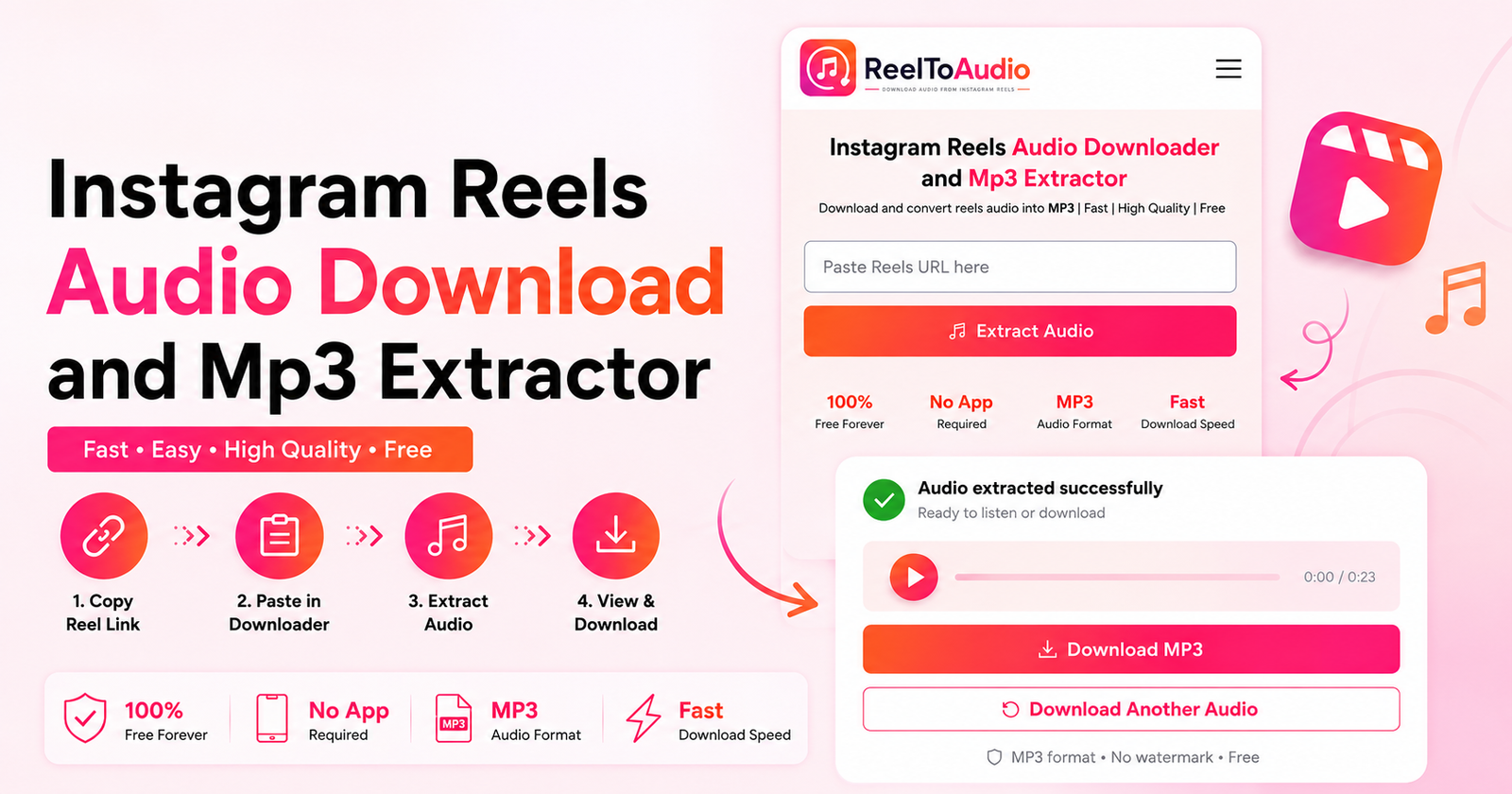 How to Download Audio from Instagram Reels
How to Download Songs from Instagram (2026 Guide)
How to Download Audio from Instagram Reels
How to Download Songs from Instagram (2026 Guide)
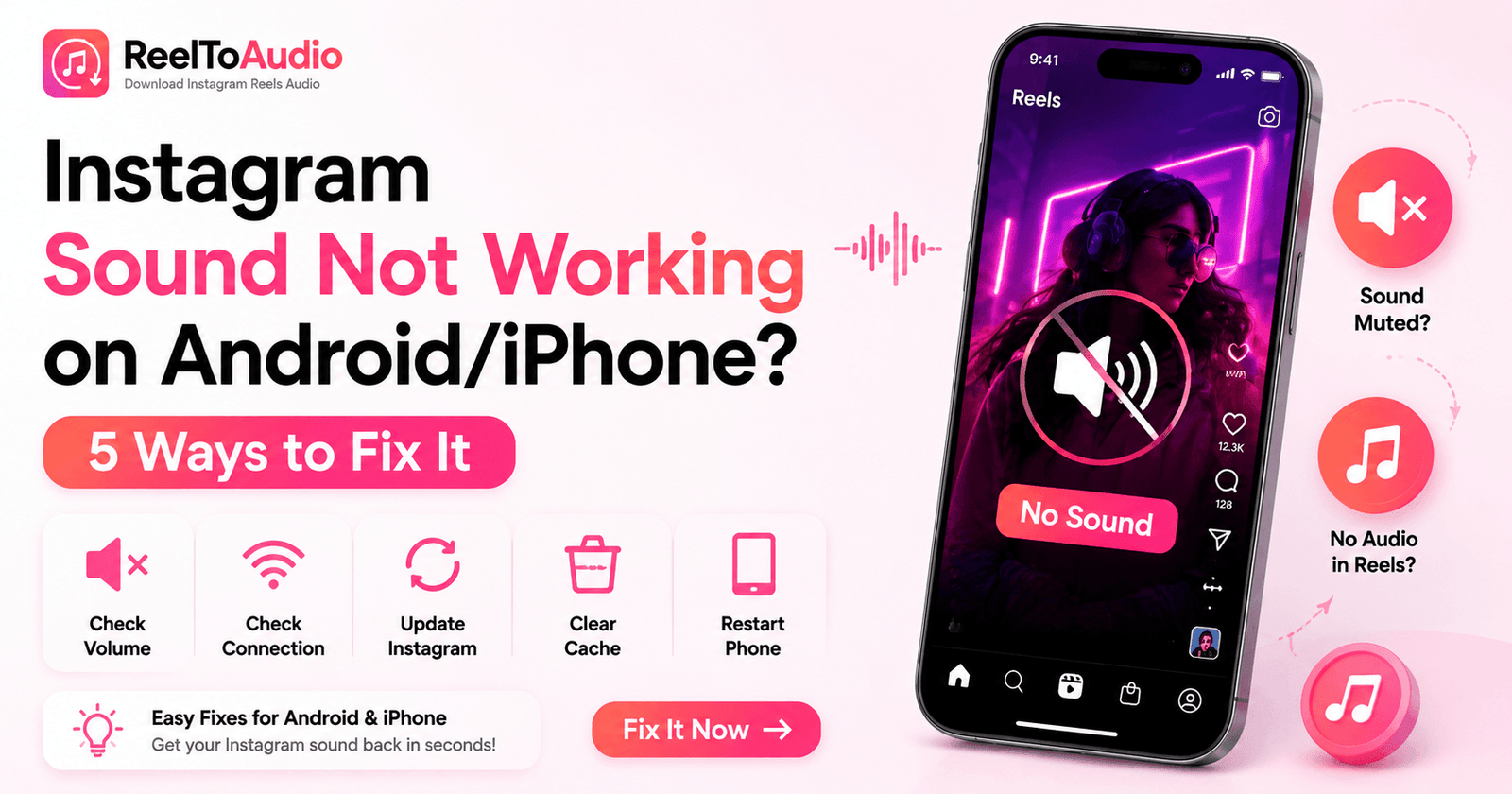 Instagram Sound Not Working on Android/iPhone? 5 Ways to Fix It
© 2026 ReelToAudio.com — All Rights Reserved.
ReelToAudio.com is not affiliated with Instagram™ or Meta Platforms, Inc. All trademarks belong to their respective owners.